Data
The Data screens: the datasets, queries, reports, export log and warehouse feed. The Maintenance part of the menu is described on Maintenance.
The roles listed under Available to are the default roles. An administrator can change them on Permissions. A researcher reads the datasets de-identified: without names, phone numbers and positions. A supervisor reads only the rows of their own areas.
Form datasets
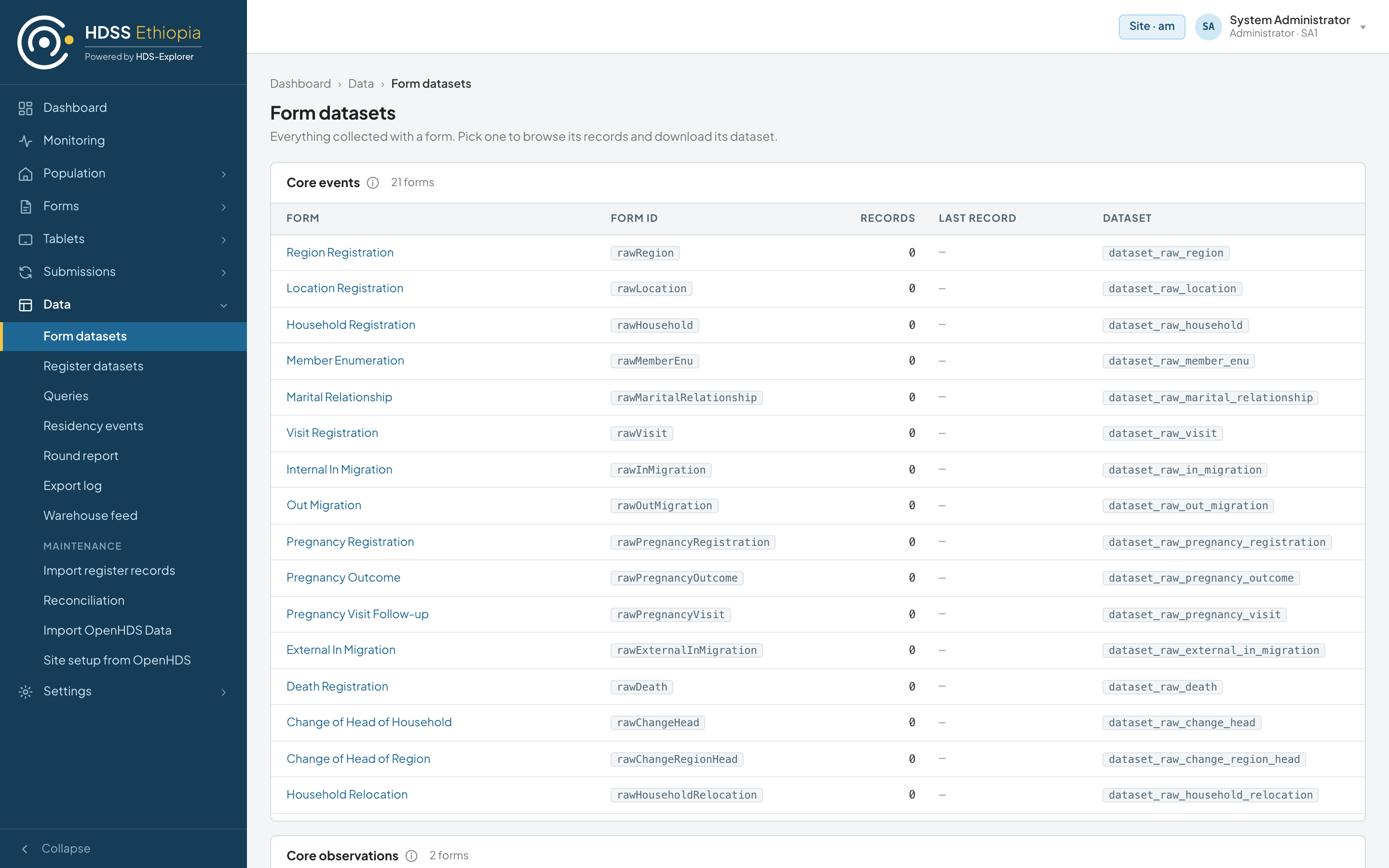
Everything collected with a form. Pick a form to browse its records and download its dataset.
Location: Data › Form datasets
Available to: Administrator, Data manager, Researcher
Columns
The forms are listed in three groups: Core events, Core observations and Module forms.
| Name | Description |
|---|---|
| Form | The form's name. Click it to browse its records. |
| Form ID | The form's identifier. |
| Records | The number of records collected. |
| Last record | When the latest record was collected. |
| Dataset | The name of the dataset table. |
Filters of a form's records
| Name | Description |
|---|---|
| Form | Switches to another form. |
| Visit date | A range of visit dates. |
| Round | One round. |
| Region | One area and everything under it. |
| Form version | One version of the form. |
| Status | The state of the records. |
| More filters | Filters on the form's own questions. |
Actions
| Action | Description |
|---|---|
| Apply, Clear | Filters the records, or removes the filters. |
| Download | Downloads the records under the filter. Every download is recorded in the Export log. |
| Rebuild dataset | Rebuilds the form's dataset table from the records. Administrator and Data manager. |
Register datasets
The register as read-only datasets: the population a form's answers belong to.
Location: Data › Register datasets
Available to: Administrator, Data manager, Researcher, Supervisor
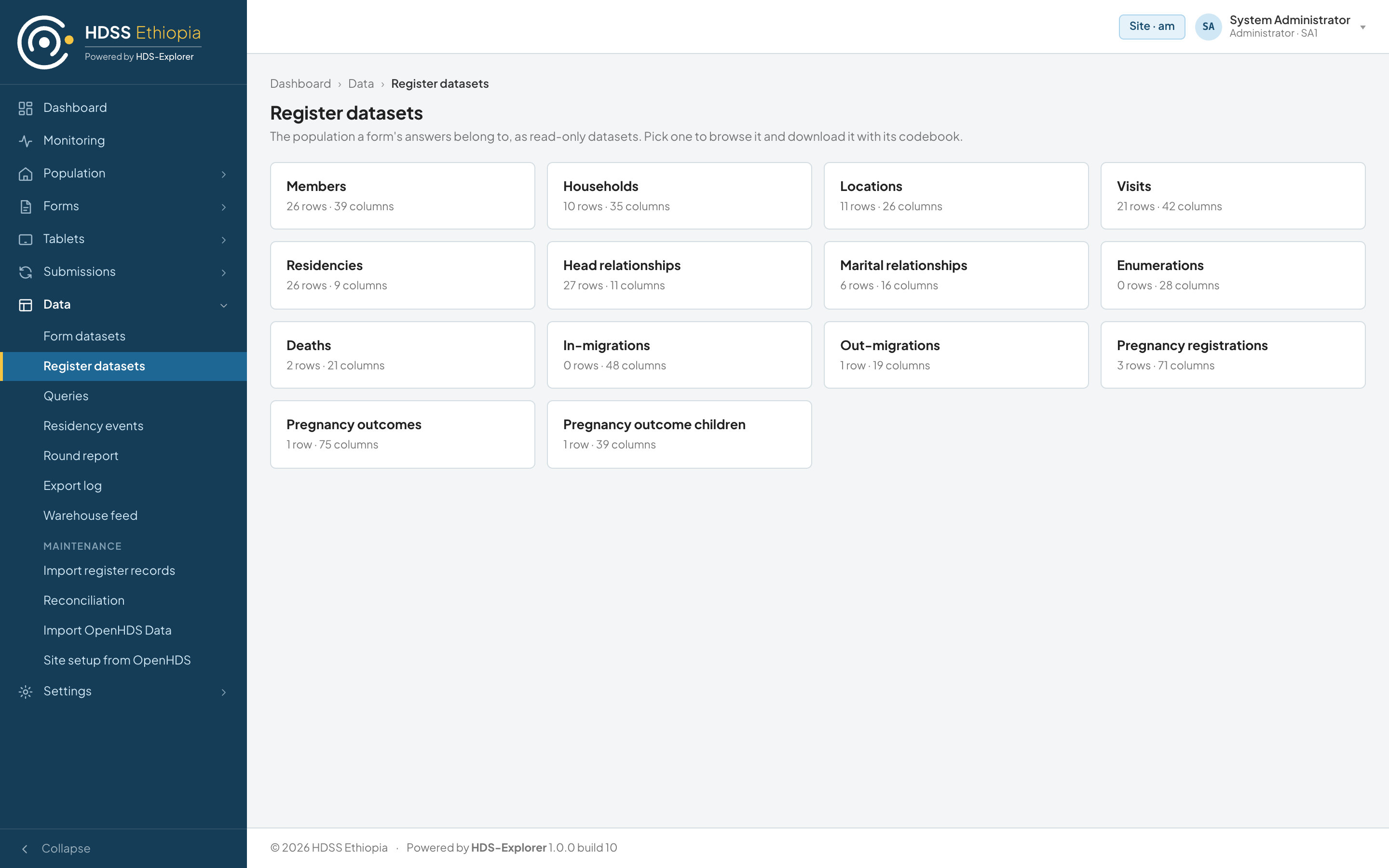
The datasets are Members, Households, Locations, Visits, Residencies, Head relationships, Marital relationships, Enumerations, Deaths, In-migrations, Out-migrations, Pregnancy registrations, Pregnancy outcomes and Pregnancy outcome children. Each card shows its number of rows and columns. Click a card to browse the dataset.
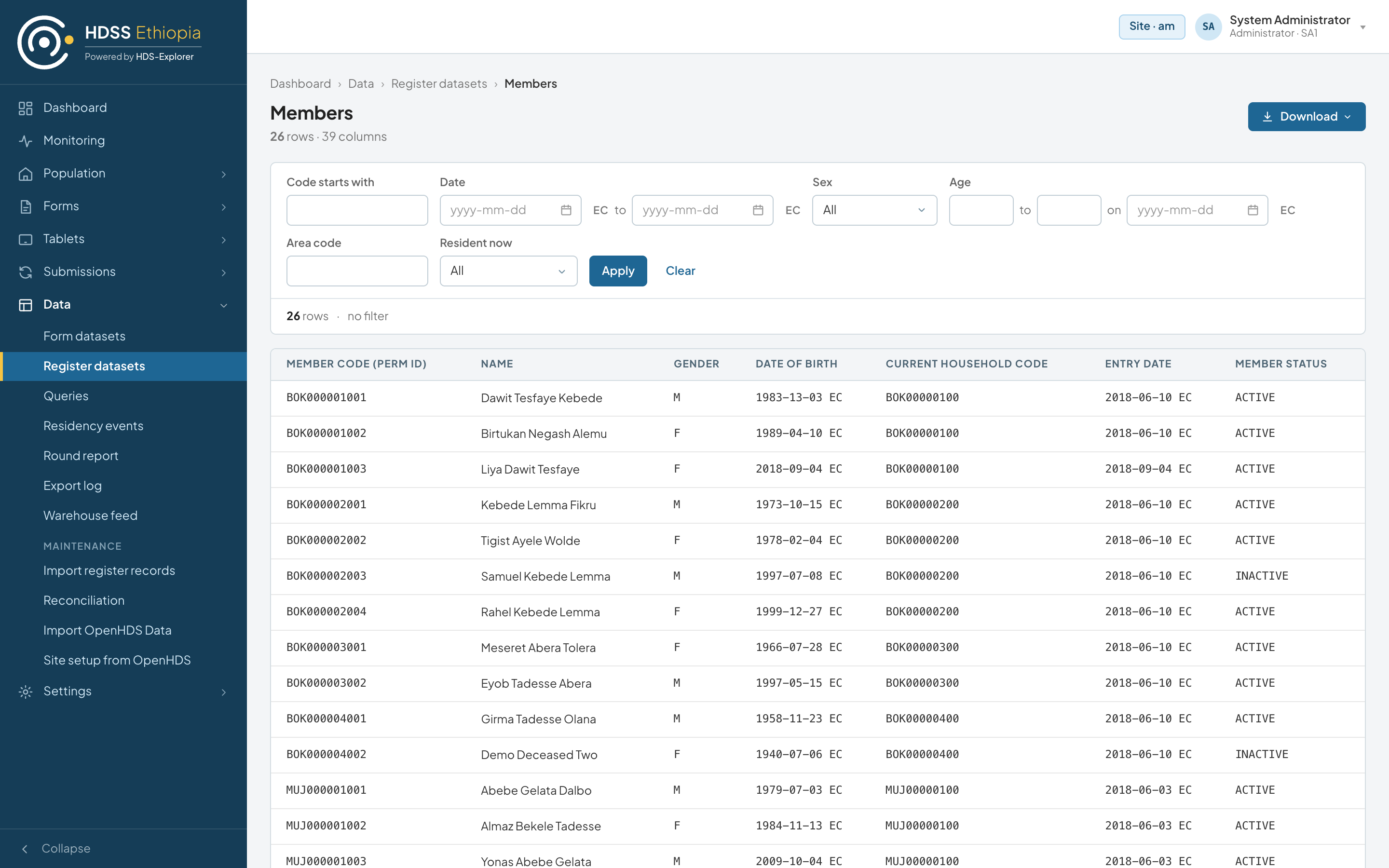
Filters of a dataset
| Name | Description |
|---|---|
| Code starts with | Rows whose ID starts with the text entered. |
| Date | A range of dates. |
| Sex | One sex. |
| Age | An age range. |
| Area code | One area. |
| Resident now | Only individuals resident now, or only those who are not. |
The filters differ between datasets.
Actions
| Action | Description |
|---|---|
| Apply, Clear | Filters the rows, or removes the filters. |
| Download | Downloads the dataset with its codebook. |
Queries
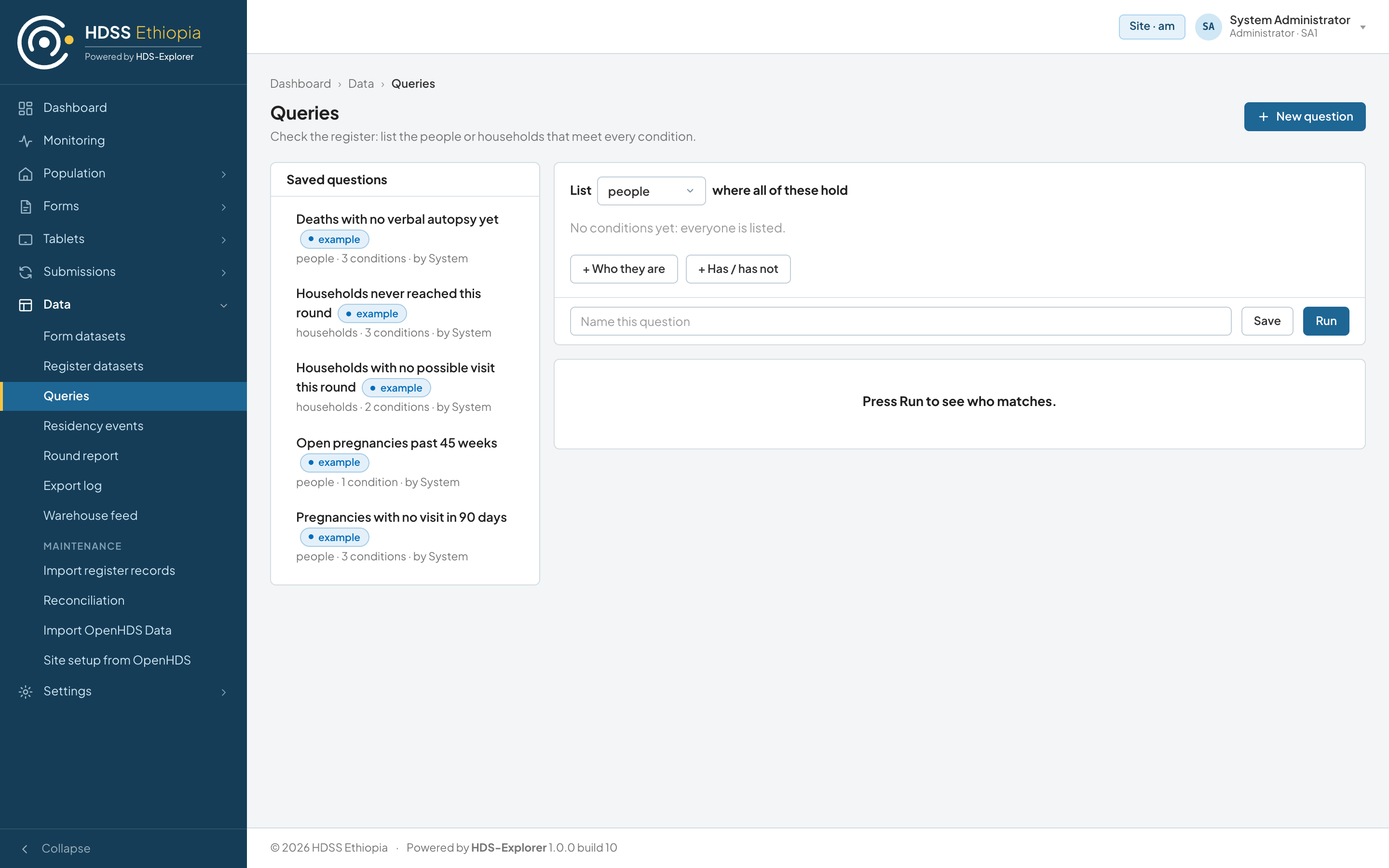
Lists the individuals or households that meet every condition of a question, to check the register.
Location: Data › Queries
Available to: Administrator, Data manager, Researcher, Supervisor
Fields
| Name | Description |
|---|---|
| Saved questions | The questions saved on the server, with what they list, their number of conditions and their author. The server comes with examples, such as Deaths with no verbal autopsy yet. |
| List | people or households. |
| Conditions | The conditions that must all hold. With no condition, everyone is listed. |
| Name this question | The name the question is saved under. |
Actions
| Action | Description |
|---|---|
| + Who they are | Adds a condition on the individual or household itself, such as sex, age or area. |
| + Has / has not | Adds a condition on a record they have or do not have, such as a visit or a verbal autopsy. |
| Run | Lists who matches. |
| Save | Saves the question for everyone. |
| New question | Starts an empty question. |
Residency events
One row for each event that starts or ends a residency.
Location: Data › Residency events
Available to: Administrator, Data manager, Researcher, Supervisor
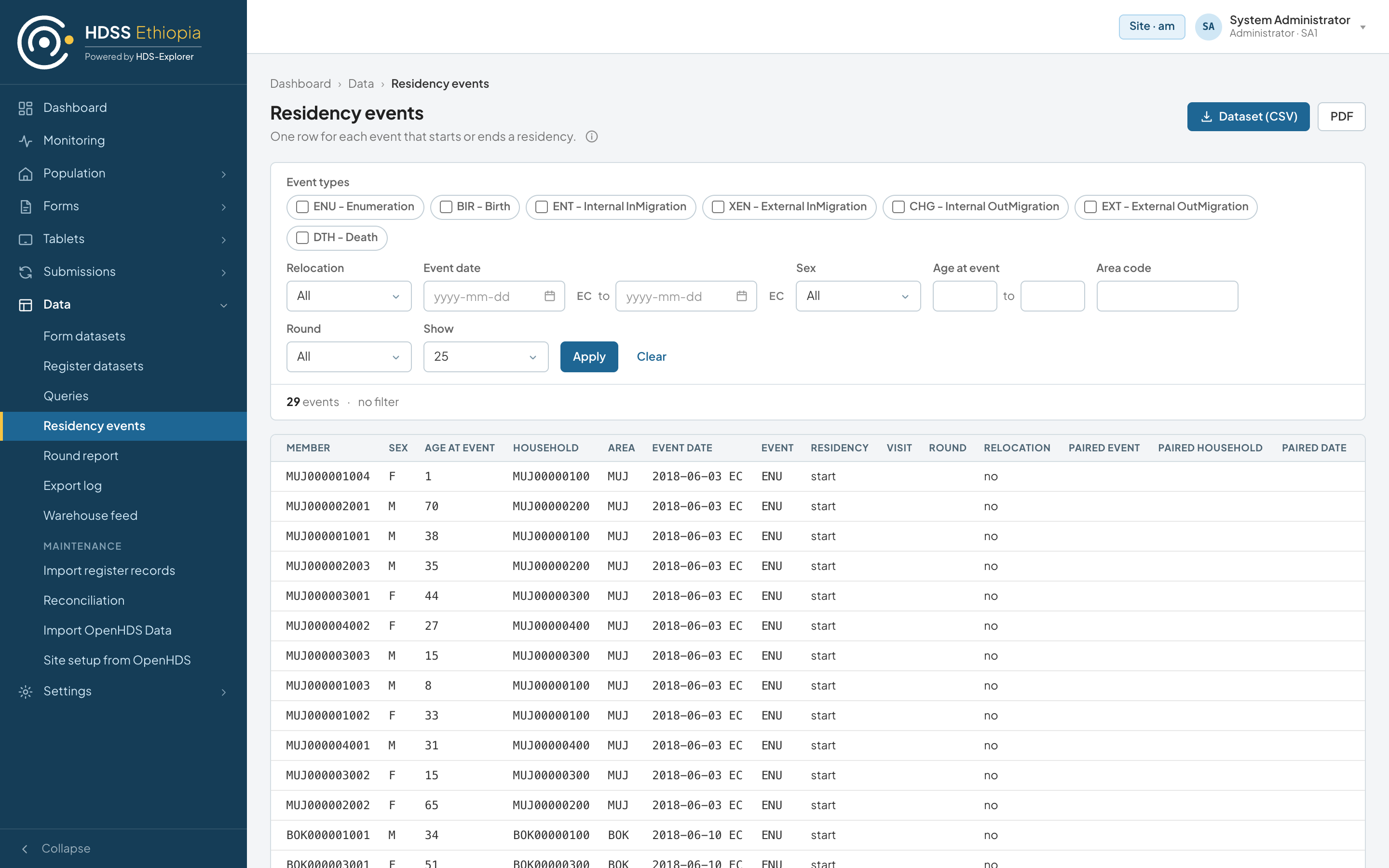
Columns
| Name | Description |
|---|---|
| Member | The individual's ID. |
| Sex, Age at event | The individual's sex and age on the day of the event. |
| Household, Area | Where the residency is. |
| Event date | The date of the event. |
| Event | The event code: ENU (enumeration), BIR (birth), ENT (internal in-migration), XEN (external in-migration), CHG (internal out-migration), EXT (external out-migration) or DTH (death). |
| Residency | Whether the event starts or ends the residency. |
| Visit, Round | The visit and round that recorded the event. |
| Relocation | Whether the event is part of a household relocation. |
| Paired event, Paired household, Paired date | For a move, the matching event at the other household. |
Filters
| Name | Description |
|---|---|
| Event types | The event codes to list. |
| Relocation | All, Yes or No. |
| Event date | A range of dates. |
| Sex | All, Male, Female or Unknown Sex. |
| Age at event | An age range. |
| Area code | One area. |
| Round | One round. |
Actions
| Action | Description |
|---|---|
| Apply, Clear | Filters the list, or removes the filters. |
| Dataset (CSV) | Downloads the events under the filter. |
| Downloads the list as a PDF report. |
Round report
One row for each area of a level, with a total, for a round or a date range.
Location: Data › Round report
Available to: Administrator, Data manager, Researcher, Supervisor
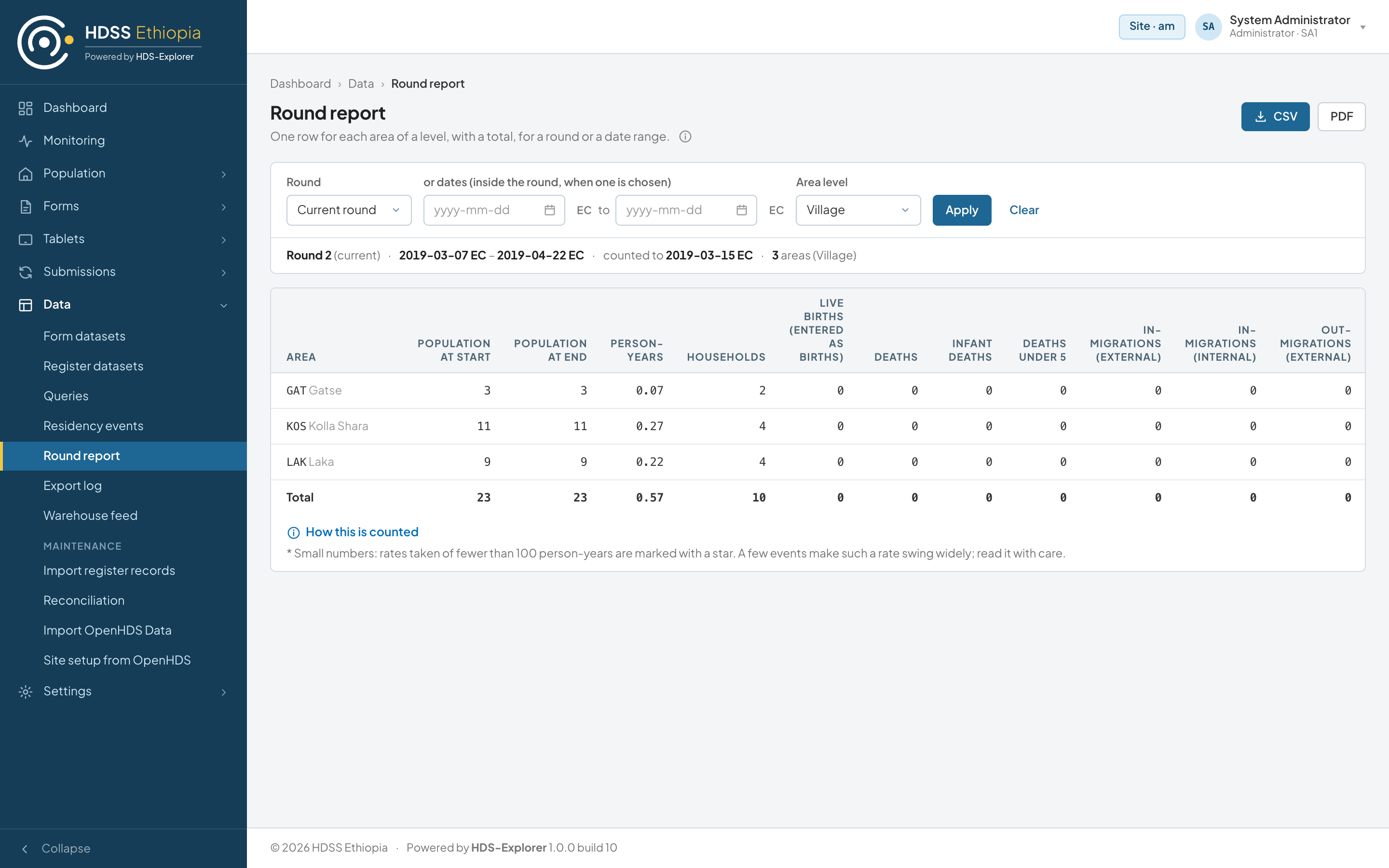
Filters
| Name | Description |
|---|---|
| Round | Current round or one round. |
| or dates | A date range instead of the whole round. Inside the round when one is chosen. |
| Area level | The level of the areas in the rows, for example Village. |
Columns
| Name | Description |
|---|---|
| Area | The area's code and name. The last row is the Total. |
| Population at start, Population at end | Residents on the first and last day. |
| Person-years | The time residents lived in the area during the period. |
| Households | The number of households. |
| Event counts | Live births (entered as births), Deaths, Infant deaths, Deaths under 5, in- and out-migrations (external and internal), First enumerated and Not explained (balance). |
| Pregnancy counts | Pregnancies registered, Pregnancy outcomes, Live births (from pregnancy outcomes), and the outcomes that were stillbirths, miscarriages and abortions. |
| Rates | Crude birth rate, Crude death rate, Natural increase rate, the in-, out- and net migration rates, and the Infant mortality rate. |
| Small numbers | A star (*) marks a rate taken over too few person-years to read with confidence. |
Actions
| Action | Description |
|---|---|
| Apply, Clear | Builds the report, or removes the filters. |
| CSV, PDF | Downloads the report. |
| How this is counted | Explains each column. |
Export log
Who took which dataset, under which filter, and whether names, phone numbers and positions were included.
Location: Data › Export log
Available to: Administrator
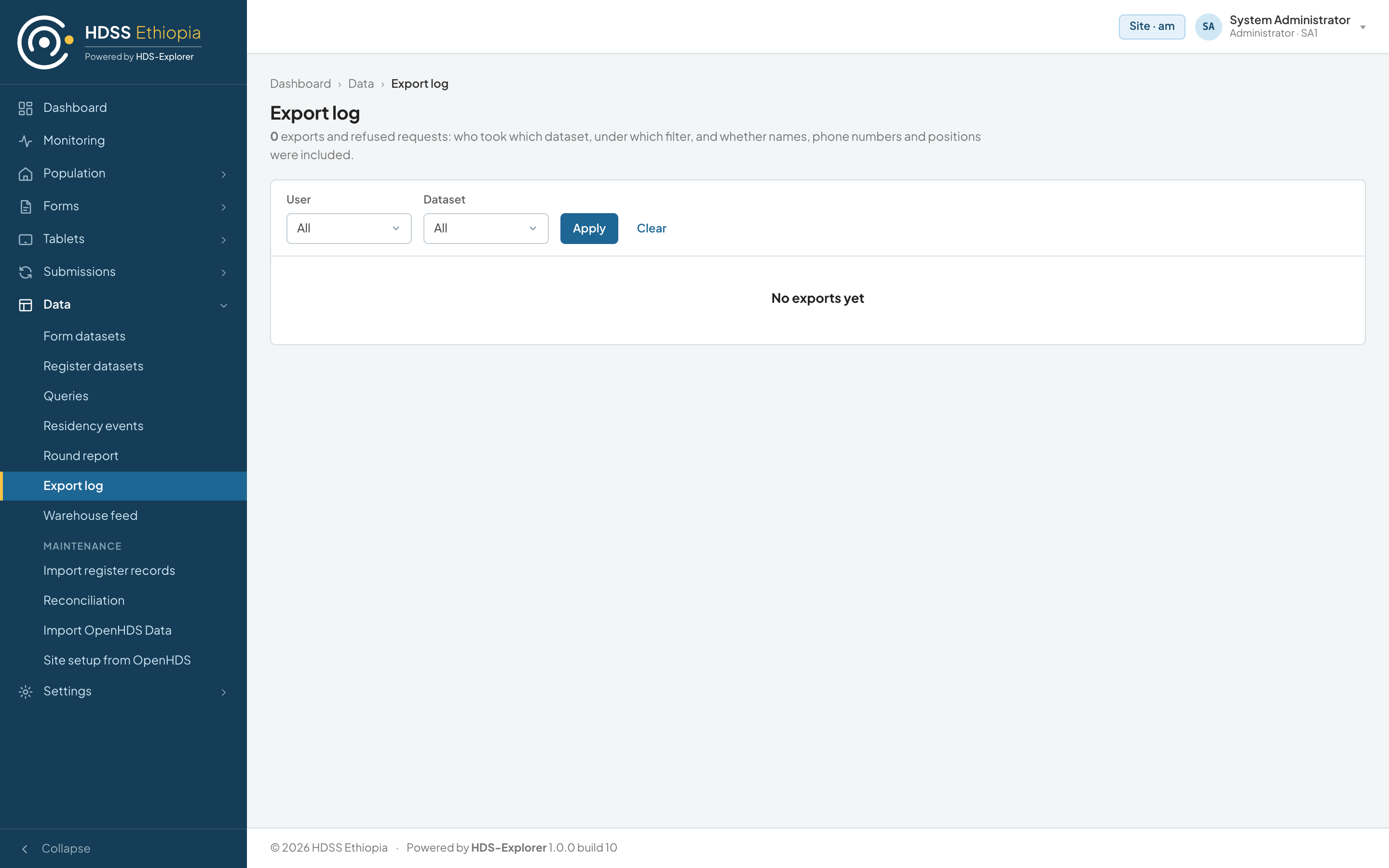
Columns
| Name | Description |
|---|---|
| When | When the export was made. |
| User, Role | Who made it, and with which role. |
| Dataset | The dataset exported. |
| Export | The kind of export. |
| Filter | The filter applied. |
| Data | Whether the export was identified or de-identified. |
| Rows | The number of rows exported. |
| Outcome | Whether the export was made or refused. |
Actions
| Action | Description |
|---|---|
| User, Dataset | Filters the log. Apply filters; Clear removes the filters. |
Warehouse feed
De-identified packages of the register, sent to the central warehouse.
Location: Data › Warehouse feed
Available to: Administrator, Data manager. Settings and De-identification policy are the administrator's.
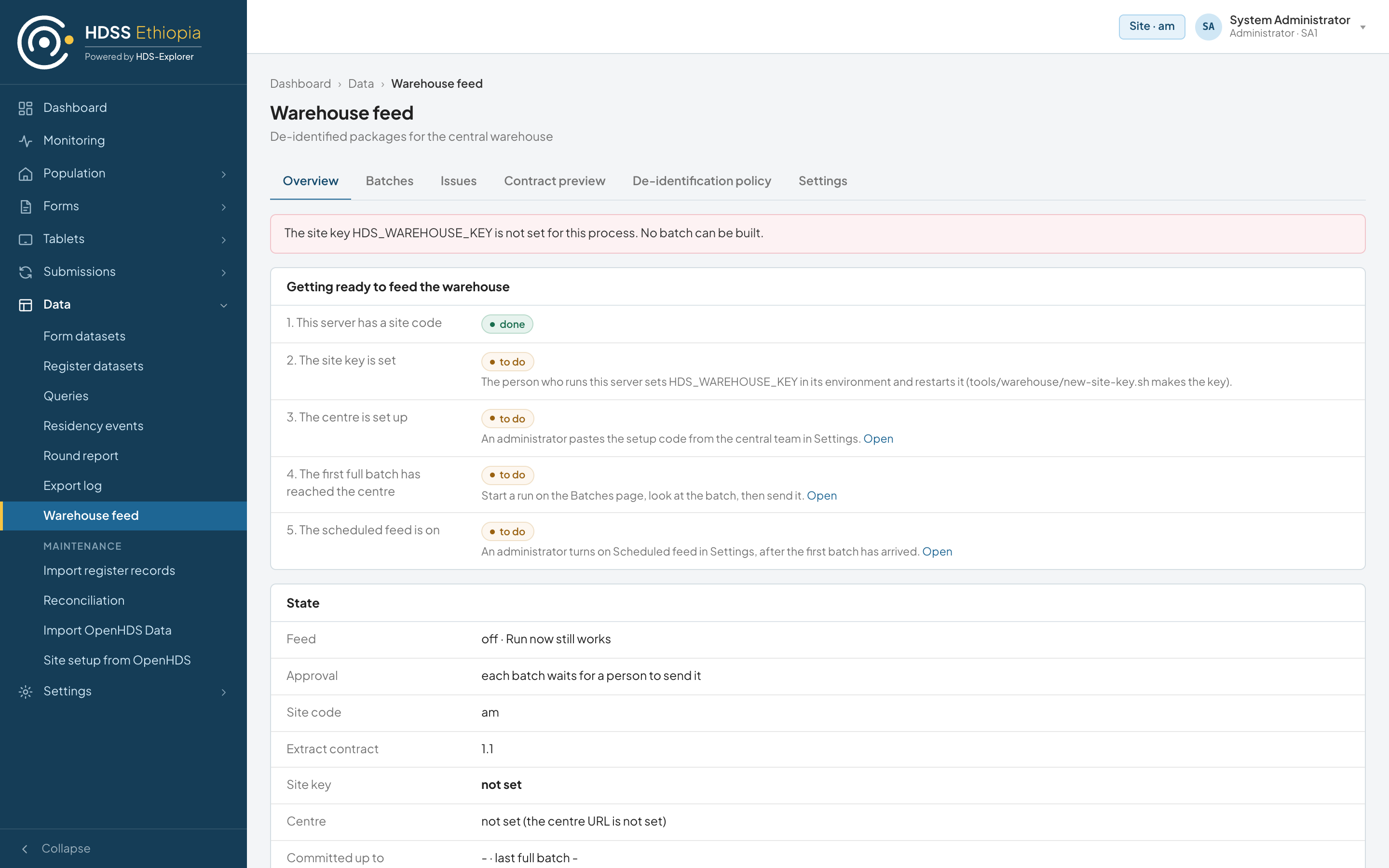
Tabs
| Name | Description |
|---|---|
| Overview | The setup steps and their state (site code, site key, centre, first full batch, scheduled feed), and the feed's state. |
| Batches | Every package the site built, newest first. The first batch must be a full one. |
| Issues | Problems found in the packages, here or at the centre. Filter by State, Origin, Entity and Rule. |
| Contract preview | The columns sent for each kind of record, and how each is treated. Show what would be sent previews one record. |
| De-identification policy | Which records and columns are sent, the lowest area level sent, and the precision of birth and event dates. |
| Settings | The Centre connection (from the setup code given by the central team), the Schedule, and the Packages retention and upload part size. |
Actions
| Action | Description |
|---|---|
| Run full batch, Run incremental batch | Builds a package of the whole register, or of what changed since the last one (Batches). |
| Send to the centre | Sends a batch that waits for approval. |
| Discard | Discards a batch, with a reason. |
| Pull from the centre | Fetches the issues the centre found (Issues). |
| Test connection | Checks the connection to the centre (Settings). |
Note
No batch can be built until the person who runs the server sets the site key in the server's environment. The Overview tab says whether it is set.